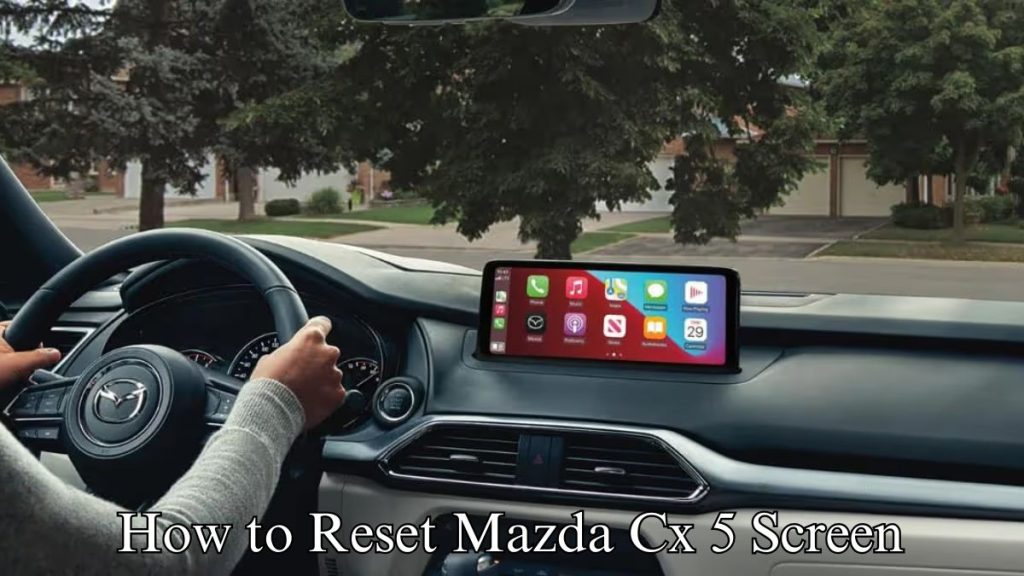
Have you ever tried to use your Mazda radio, only to find it locked or unresponsive? It’s frustrating when your favorite tunes or important updates won’t play just because the radio needs a reset.
But don’t worry—resetting your Mazda radio is easier than you think. You’ll learn simple, clear steps to get your radio back to working perfectly. Keep reading, and you’ll be enjoying your music and news in no time.

Credit: www.northshoremazda.net
Reasons To Reset Mazda Radio
Resetting your Mazda radio can solve several problems. It helps clear errors and restore normal functions. Knowing when and why to reset the radio saves time and frustration.
Common Radio Issues
Sometimes the radio stops working or freezes. The screen may go blank or show an error code. Sound might cut out or buttons may not respond. These issues often need a reset to fix.
When Resetting Helps
Resetting clears small glitches in the system. It can fix frozen screens and missing sound. The radio returns to its default settings and works better. Resetting also helps after a power loss or battery change.
Preparation Before Reset
Before resetting your Mazda radio, some preparation is important. It helps avoid problems and saves time. Taking a few simple steps makes the process smooth and safe. Gather information and tools first. This ensures you are ready to reset without hassle.
Check Vehicle Manual
Start by reading your vehicle manual. It has specific instructions for your Mazda model. Manuals often show how to reset the radio safely. Find details about radio codes and buttons. Knowing this prevents mistakes during the reset.
The manual also tells about any special features or warnings. Follow its advice carefully. This helps protect your radio and vehicle system.
Gather Necessary Tools
Collect all tools needed for the reset. Common tools include a small screwdriver or a pen for pressing buttons. Some Mazda radios need a security code. Keep your radio code or vehicle documents nearby.
Having tools and information ready saves time. It makes the reset process clear and easy. Avoid searching for items while resetting the radio.
Methods To Reset Mazda Radio
Resetting your Mazda radio can fix many common issues. It helps clear errors and restore normal function. Several methods exist, each suited for different problems. Choose the best way based on your situation and radio model.
Soft Reset Via Power Button
Press and hold the power button on your radio. Hold it for about 10 seconds until the screen turns off. Release the button and wait for the radio to restart. This method clears minor glitches without losing settings.
Using Radio Reset Code
Some Mazda radios require a reset code after battery loss. Find the code in your owner’s manual or on a card in the glove box. Enter the code using the radio buttons to unlock and reset the system. This step protects against theft and resets the radio safely.
Disconnecting Car Battery
Turn off the car and open the hood. Disconnect the negative battery cable using a wrench. Wait for 10 to 15 minutes to clear the radio memory. Reconnect the cable and start the car. This method resets the entire car system, including the radio.
Factory Reset Through Menu
Access the radio settings on the display screen. Navigate to the system or setup menu. Find the factory reset option and select it. Confirm your choice to erase all radio settings and restore defaults. Use this method to fix software bugs or restore original settings.

Credit: www.aldenmazda.com
Finding Your Mazda Radio Code
Finding your Mazda radio code is the first step to resetting your radio. This code protects your stereo from theft. Without it, your radio will stay locked and silent. You need the correct code to use your radio again.
Locating Code On Documentation
Check your Mazda owner’s manual first. The radio code often sits on a card or sticker inside the manual. Sometimes, it is printed on a separate paper in the glove box. Keep these documents safe. They hold the key to your radio’s function.
Retrieving Code Online
Mazda offers online services to find your radio code. You will need your vehicle identification number (VIN). Enter the VIN on Mazda’s official website to get the code. Some third-party sites also help, but use official sources for safety.
Contacting Mazda Dealer
Visit or call your local Mazda dealer if you cannot find the code. They can look up the code using your car details. You may need to provide proof of ownership. Dealers can give you the correct code quickly and safely.
Tips To Avoid Future Radio Issues
Keeping your Mazda radio working well means taking some simple steps. These tips help avoid future problems and keep your radio clear and responsive. Follow these easy guidelines to enjoy your music and radio without interruptions.
Regular System Updates
Check for updates often. Car manufacturers release updates to fix bugs and improve features. An updated system runs smoother and avoids errors. Use Mazda’s official website or service center to get the latest updates. Updating keeps your radio compatible with new technology and apps.
Safe Battery Disconnection
Always turn off the radio before disconnecting the battery. This prevents sudden power loss, which can cause system errors. Use the right tools and follow safety steps to disconnect the battery. A safe disconnect protects the radio’s memory and settings. Avoid quick or careless battery removal to keep the radio stable.
Proper Radio Usage
Use the radio controls gently. Avoid pressing buttons too hard or too fast. Keep the volume at a moderate level to prevent speaker damage. Avoid exposure to extreme heat or moisture inside the car. Regularly clean the radio panel with a soft cloth. Proper use extends the radio’s life and reduces malfunctions.
Credit: mazdas247.com
Frequently Asked Questions
How Do I Reset My Mazda Radio Manually?
To reset your Mazda radio manually, press and hold the power button and the seek-up button simultaneously for about 10 seconds. This action will reboot the system and clear minor errors.
Why Is My Mazda Radio Asking For A Reset Code?
Your Mazda radio requests a reset code after a power loss to prevent theft. Enter the security code found in your vehicle’s manual or contact a dealer for assistance.
Can I Reset Mazda Radio Without The Security Code?
No, you cannot reset the Mazda radio without the security code. The code is essential to unlock the radio after power disconnection or replacement.
What Causes Mazda Radio To Need A Reset?
Mazda radios often need resetting after battery disconnection, software glitches, or system errors. Resetting restores normal function and clears temporary faults.
Conclusion
Resetting your Mazda radio is simple and quick. Follow the steps carefully to avoid mistakes. A reset can fix many common radio problems. Take your time and double-check each step. You can enjoy clear sound and smooth operation again. Keep the instructions handy for future use.
Your Mazda radio will work like new soon. No need to visit a mechanic for this fix. Stay confident and give it a try today.